🚀Getting Started
Your booking page
Share your booking link with clients.
By Sagarnu Team
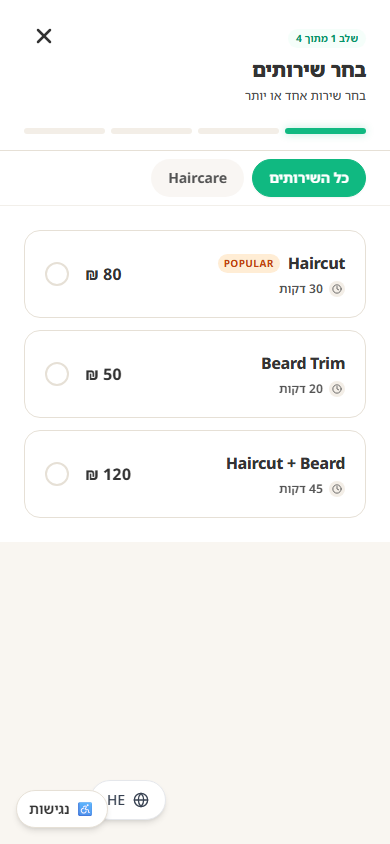
Every business gets a unique booking page that clients can access 24/7. Share the link via WhatsApp, Instagram bio, or anywhere you promote your business.
Finding your booking link
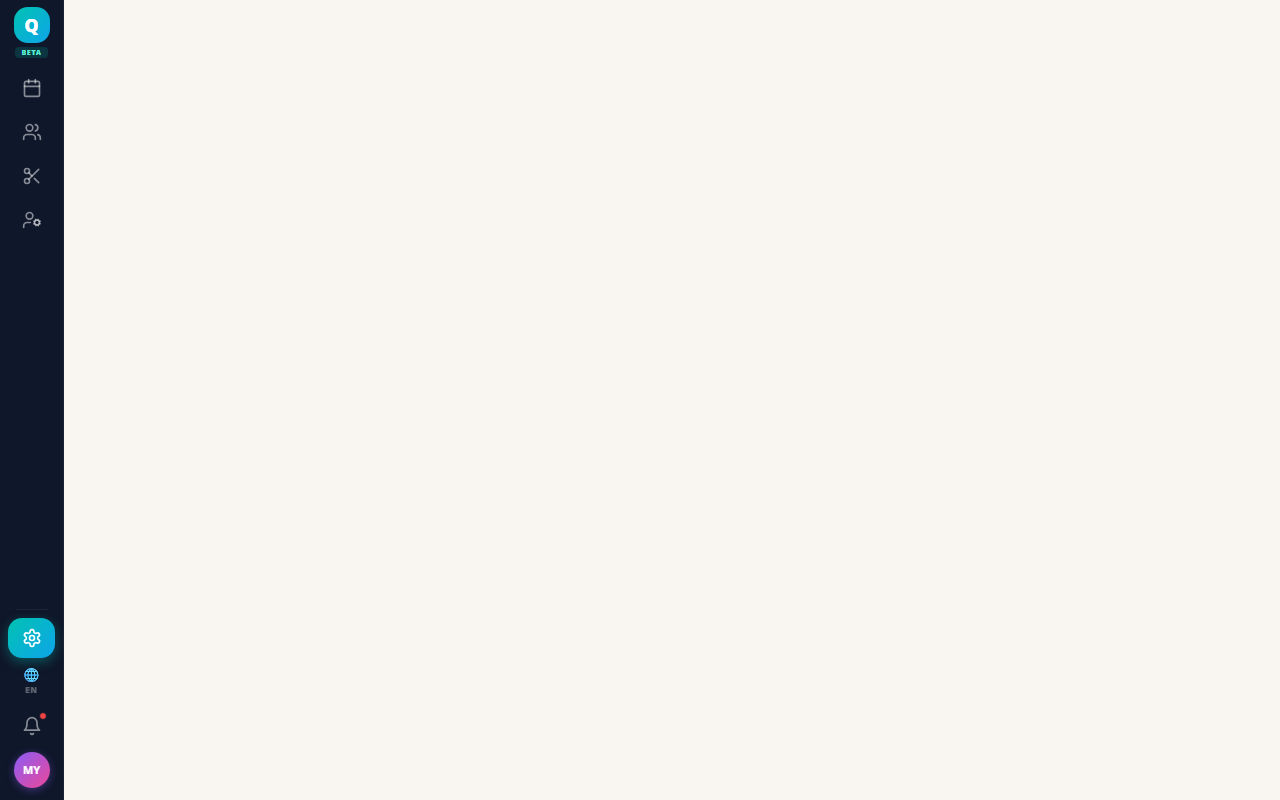
- 1Go to Settings → Business Profile.
- 2In the General Information card, find the Booking Page field and copy the link with its copy button.
- 3Share it anywhere — WhatsApp, Instagram bio, Google Business, etc.
💡
Add your booking link to your WhatsApp Business description and Instagram bio to drive more self-service bookings.
What clients see
Was this article helpful?
Still need help?
support@sagarnu.co