Staff roles and permissions
Understand the difference between Owner, Admin, and Staff.
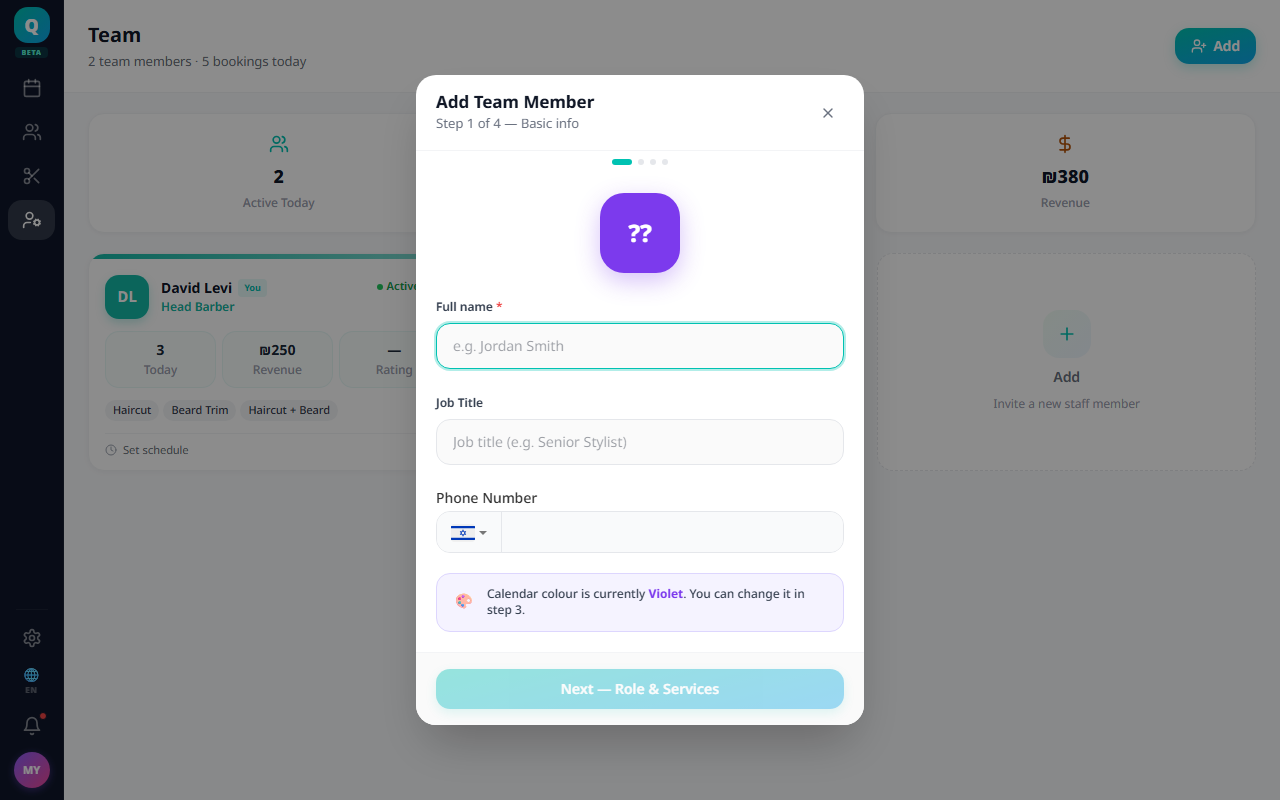
There are three roles in Sagarnu, each with different levels of access. Assigning the right role ensures staff only see what they need — and nothing more.
Owner
Full access to everything, including billing, subscription management, and all settings. There is exactly one owner per business. Ownership cannot be transferred from the dashboard — contact support if you need to transfer ownership.
Admin
Admins can manage team members, services, bookings, and business settings. They can view the subscription and billing pages, but cannot change the plan, pay, or change roles. Use this role for managers and senior staff who run day-to-day operations.
Staff
Staff members can only view and manage their own calendar and upcoming appointments. They cannot access business settings, other staff calendars, or billing. Use this role for stylists, technicians, and individual practitioners.
How to change a role (owner only)
- 1Go to Team.
- 2Open the staff member's profile.
- 3Click Edit.
- 4Change the role in the Role field.
- 5Save.
Use Admin only for people you fully trust to manage the business. Staff role is safer for most team members.
Still need help?
support@sagarnu.co