🚀Getting Started
Setting your working hours
Define when your business is open for bookings.
By Sagarnu Team
Working hours control when clients can book appointments. You set default hours for each day of the week, and can close specific dates for holidays or special days.
Setting weekly hours
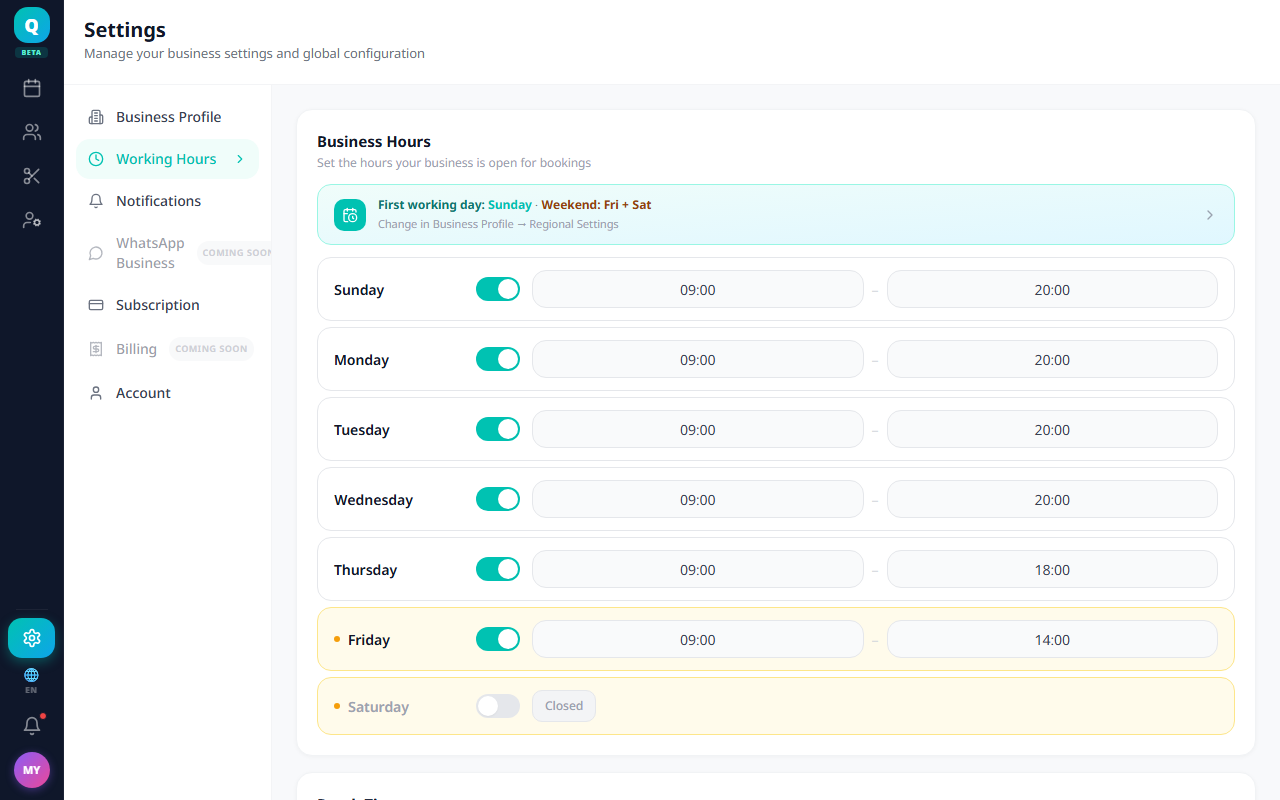
- 1Go to Settings → Working Hours.
- 2Toggle each day on or off.
- 3For active days, set your opening and closing time.
- 4Click Save.
Adding closed dates
For holidays or one-off days off, use the "Closed dates & time off" section at the bottom of the same page — you can close a date range for the whole business or for one staff member.
💡
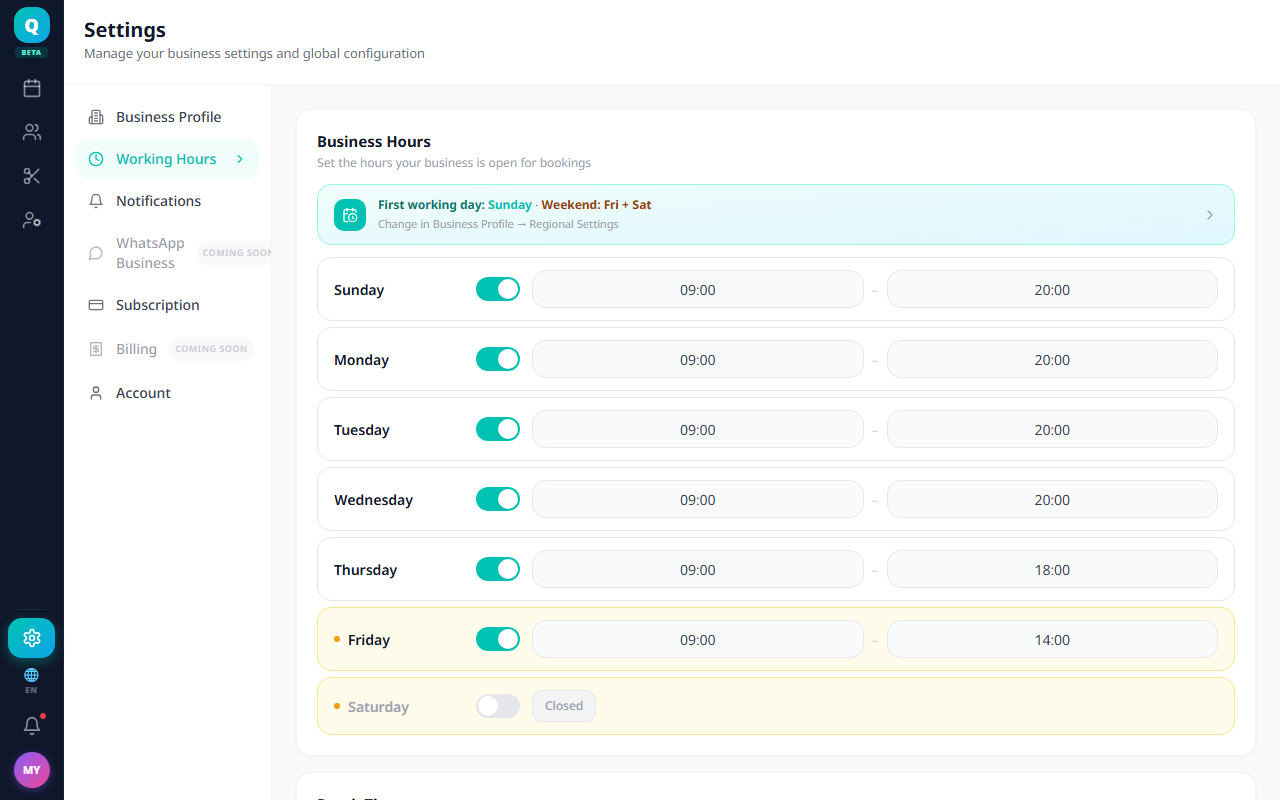
Each staff member can have their own working hours, but they can only narrow the business hours — never extend them. Clients cannot book outside business hours.
Was this article helpful?
Still need help?
support@sagarnu.co