👥Team
Setting staff working hours
Give each staff member their own schedule.
By Sagarnu Team
By default, staff members use the business working hours. If someone works different days or shorter hours, set their own schedule.
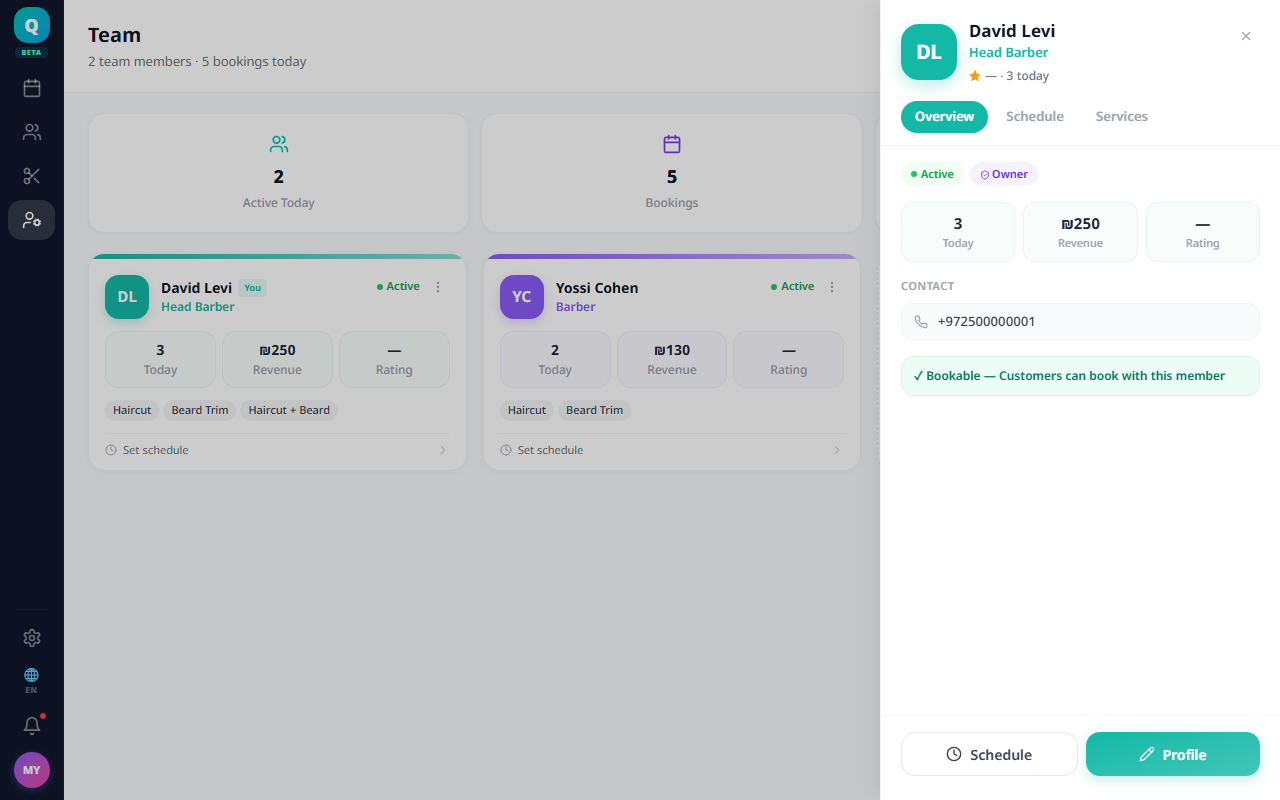
- 1Go to Team.
- 2Open the staff member's profile.
- 3Click the Schedule button.
- 4Toggle the days they work and set their hours.
- 5Save.
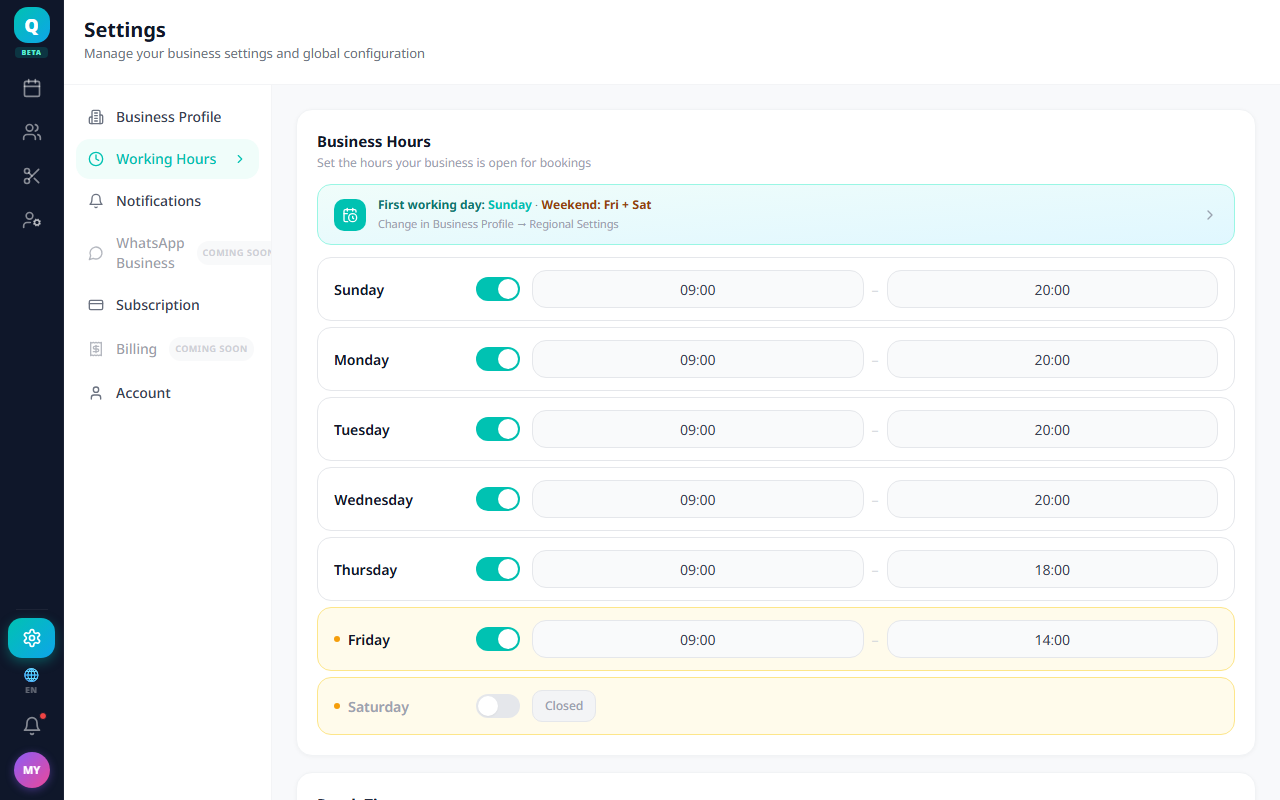
Clients will only see times when that specific staff member is available.
Was this article helpful?
Still need help?
support@sagarnu.co