✂️Services
Assigning services to staff
Control which staff members perform which services.
By Sagarnu Team
Not all staff members perform all services. Assigning services ensures clients only see availability for staff who can actually do the job.
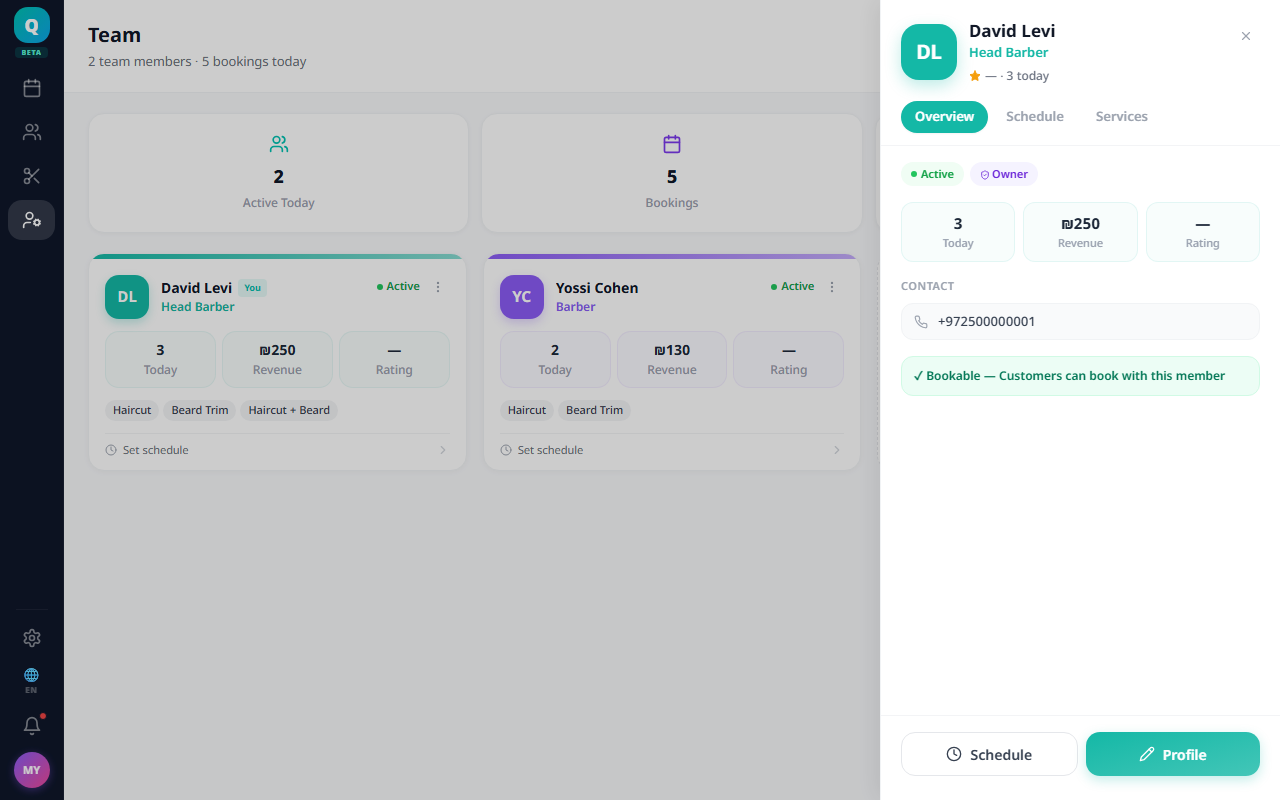
- 1Go to Team.
- 2Open the staff member's profile and click Edit.
- 3Select the services they perform.
- 4Save.
When you add a new staff member, you choose their services in the add-member wizard (all services are selected by default).
Was this article helpful?
Still need help?
support@sagarnu.co